
.png)


Description
Download DuckDuckGo – Private, Secure, Free Search Engine
Overview
DuckDuckGo is a privacy‑focused web search engine that promises to deliver results without tracking, profiling, or storing personal data. Launched in 2008, the service has grown into a robust alternative to data‑hungry giants like Google, offering a clean interface, instant answers, and a strong commitment to user anonymity. Whether you’re browsing on a desktop, laptop, or mobile device, DuckDuckGo provides a free, secure way to explore the internet while keeping your search habits hidden from advertisers and data brokers. Its core philosophy is simple: give you the information you need without creating a digital fingerprint that can be sold or misused. This makes it especially appealing for privacy‑conscious users, journalists, students, and anyone who worries about the growing surveillance economy. While DuckDuckGo does serve contextual ads based on the search query itself—never on a personal profile—it remains one of the most transparent and trustworthy search tools available today.
Key Features
- Zero Tracking: No cookies, IP logging, or personal data storage.
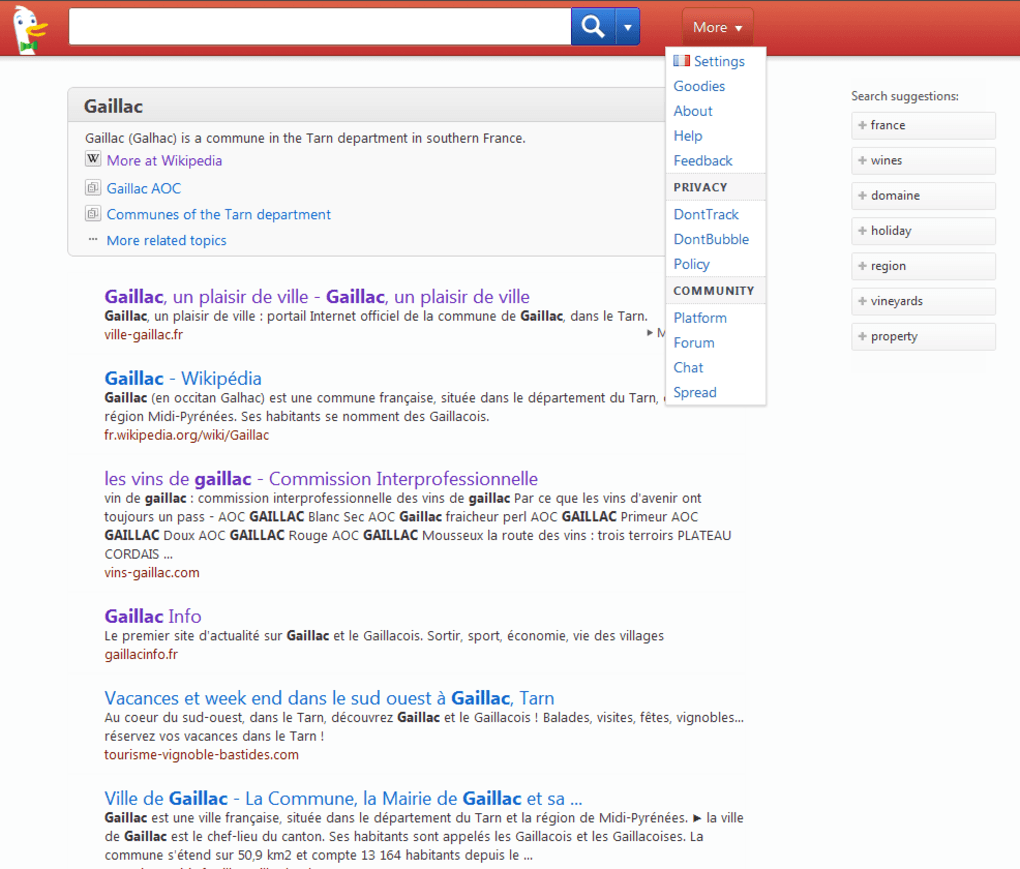
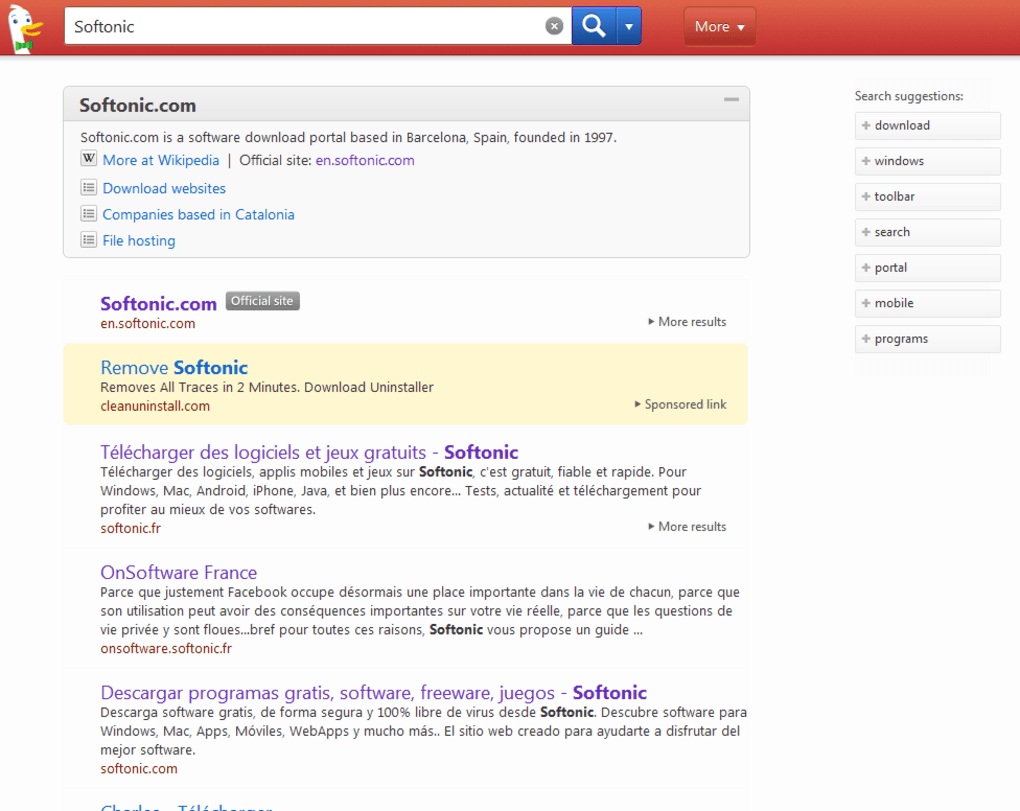
- Instant Answers: Built‑in knowledge panels for weather, calculations, definitions, and more.
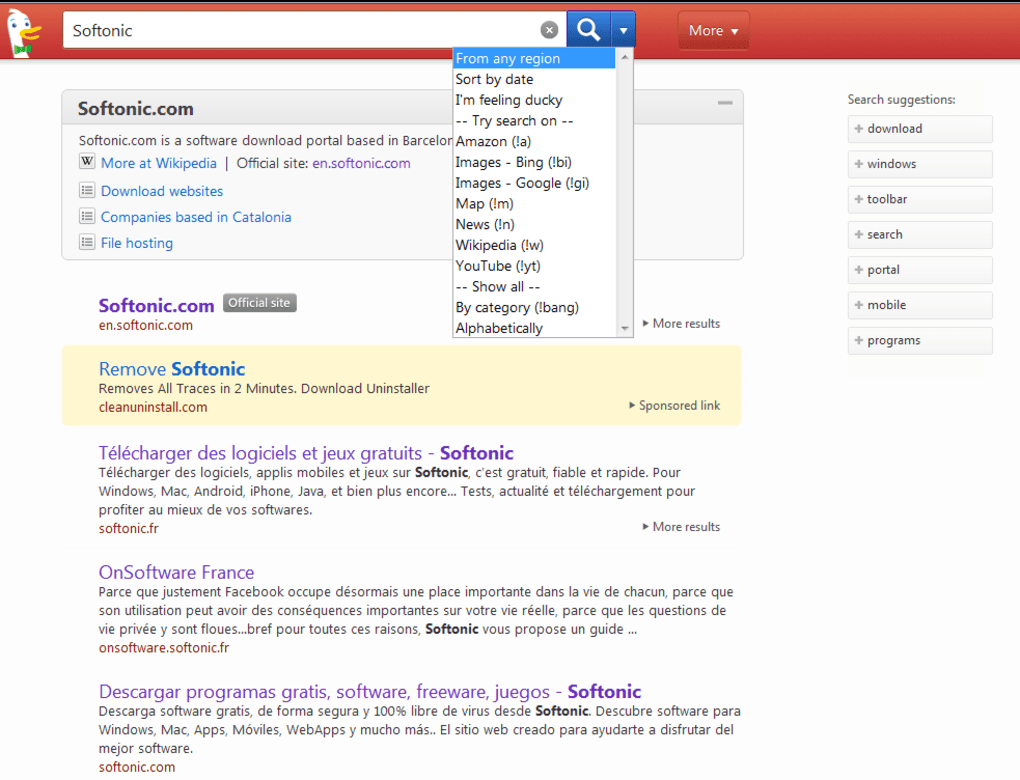
- Bang Commands: Shortcut syntax (e.g., !g for Google, !w for Wikipedia) to search other sites directly.
- Encrypted Connections: HTTPS everywhere to protect search queries from eavesdropping.
- Open‑Source Contributions: Community‑driven improvements and transparent privacy policies.
- Ad‑Supported, Not Profiled: Contextual ads based solely on the current search term.
- Cross‑Platform Availability: Browser extensions, mobile apps, and a responsive web interface.
- Customizable Themes: Light, dark, and high‑contrast modes for accessibility.
Beyond the headline feature of privacy, DuckDuckGo invests heavily in delivering a polished search experience. The “Bang” shortcuts, for example, let power users jump directly to a specific site’s results without extra clicks, speeding up research and saving time. Instant Answers pull data from reputable sources like Wikipedia, Wolfram Alpha, and various APIs, offering quick facts without opening a new tab. The service also respects regional preferences, delivering localized results while still maintaining a global perspective. Overall, the feature set balances simplicity with depth, making DuckDuckGo a compelling choice for everyday searches and more advanced queries alike.
Installation & Usage Instructions
Getting started with DuckDuckGo is straightforward, whether you prefer a browser extension, a mobile app, or simply using the web interface.
Web Interface (No Installation Required)
- Open any modern browser (Chrome, Firefox, Edge, Safari, etc.).
- Navigate to duckduckgo.com.
- Begin typing your query in the central search box. Results appear instantly, and you can refine them using the filter options on the left.
- To set DuckDuckGo as your default search engine, follow the instructions for your specific browser (usually found in Settings → Search Engine).
Browser Extensions (Chrome, Firefox, Edge, Safari)
- Visit the official extension store for your browser (e.g., Chrome Web Store).
- Search for “DuckDuckGo Privacy Essentials” and click “Add to Chrome” (or the equivalent for your browser).
- Confirm the installation prompt; the extension will appear as a small icon in your toolbar.
- Click the icon to access quick settings, enable HTTPS Everywhere, and enforce tracker blocking across all sites.
Mobile Apps (Android & iOS)
- Open Google Play Store (Android) or App Store (iOS).
- Search for “DuckDuckGo Privacy Browser.”
- Tap “Install” and wait for the download to complete.
- Launch the app, grant optional permissions (like location for local results), and start searching.
All installations are free, and updates are delivered automatically through the respective app stores or browser extension platforms. The user interface is intentionally minimalistic, so you’ll spend less time navigating menus and more time finding the information you need. For power users, remember the “Bang” syntax (e.g., typing “!a Amazon shoes” will search Amazon directly) to accelerate workflows. Finally, the built‑in privacy controls can be accessed via the extension or app settings, allowing you to toggle features like tracker blocking, cookie protection, and encrypted connections with a single click.
Compatibility, Pros & Cons, FAQ, and Final Thoughts
Compatibility
DuckDuckGo works seamlessly across all major operating systems, including Windows 10/11, macOS Monterey and later, Linux distributions, Android 8.0+, and iOS 13+. The web version is fully responsive, adapting to any screen size, while the dedicated mobile apps provide native performance on Android and iOS devices. Browser extensions are available for Chrome, Firefox, Edge, and Safari, ensuring that privacy protection extends to every browsing session regardless of platform.
Pros & Cons
- Pros
- Absolute privacy – no personal data is stored or sold.
- Free to use with no hidden fees.
- Instant Answers reduce the need for additional clicks.
- Bang commands speed up targeted searches.
- Cross‑platform support (web, extensions, mobile apps).
- Open‑source contributions enhance transparency.
- Cons
- Search results may be less comprehensive than Google for niche queries.
- Contextual ads, though non‑profiled, can still be intrusive for some users.
- Advanced features like personalized news feeds are absent.
- Occasional latency when retrieving Instant Answers from third‑party APIs.
Frequently Asked Questions
Is DuckDuckGo really free?
Yes. DuckDuckGo is completely free to use. The service generates revenue through contextual advertising, but these ads are based solely on the current search term and never on a personal profile.
Does DuckDuckGo store any of my search history?
No. DuckDuckGo does not log IP addresses, cookies, or any identifiable information. Your searches are not stored, and you cannot retrieve a personal search history from the platform.
How do “Bang” commands work?
Bang commands let you search a specific site directly from DuckDuckGo. Type an exclamation mark followed by a shortcut (e.g., !w for Wikipedia) and then your query. DuckDuckGo redirects you to the chosen site’s results instantly.
Can I use DuckDuckGo with a VPN?
Absolutely. DuckDuckGo works perfectly with VPNs, and using both together adds an extra layer of anonymity by masking your IP address while still ensuring your searches remain untracked.
Is there a desktop application for DuckDuckGo?
No dedicated desktop app exists, but the web version functions as a full‑featured desktop search engine, and browser extensions provide the same privacy features directly within your preferred browser.
Conclusion & Call to Action
DuckDuckGo stands out as a reliable, privacy‑first alternative for anyone tired of being profiled by traditional search engines. While it may not yet match Google’s sheer breadth of indexed pages, its commitment to security, transparency, and user control makes it an excellent choice for everyday browsing, research, and even professional work. By offering a free, ad‑supported model that never compromises personal data, DuckDuckGo empowers users to reclaim their digital anonymity without sacrificing convenience.
Ready to protect your search privacy? Download DuckDuckGo today, add the Privacy Essentials extension to your browser, or install the mobile app for on‑the‑go protection. Experience the internet without the hidden eyes.
Pros: Zero tracking, instant answers, Bang shortcuts, cross‑platform support.
Cons: Slightly fewer niche results, non‑personalized ads can appear.
Guides & Tutorials for DuckDuckGo
How to install DuckDuckGo
- Click the Preview / Download button above.
- Once redirected, accept the terms and click Install.
- Wait for the DuckDuckGo download to finish on your device.
How to use DuckDuckGo
This software is primarily used for its core features described above. Open the app after installation to explore its capabilities.
User Reviews for DuckDuckGo 0
No reviews found




